GENIEOS · IMAGE STUDIO

Some jobs are for eyes, not JSON.

Search the tool table below and you will not find an image call, because there is not one. Imagery is generated with the campaign and arrives on the creation object as URLs, which is everything an agent needs to use it. Changing an image is different. That is a visual job, and it lives in the studio.

any-agentmcp
// read the campaign your agent spawnedread_creation({ id: "cre_0142" }) // imagery arrives as URLs, ready to use anywhere{  "id": "cre_0142",  "assets": [    { "role": "hero",   "url": "https://cdn.genieos.pro/fueld/hero.png" },    { "role": "square", "url": "https://cdn.genieos.pro/fueld/sq-1080.png" },    { "role": "story",  "url": "https://cdn.genieos.pro/fueld/story.png" }  ]}
The surface

The table is empty on purpose. There is no image-generation tool on the MCP surface, and we would rather say so plainly than imply one exists. Imagery comes back as URLs on the creation object, via read_creation, and the studio is where you fix one.

The one place we say click.

This is the one place we say click. Imagery comes back as URLs so your agent can use it. Changing it is a visual job, so we made it a visual tool.

Everywhere else on this side of the site the answer is a tool call. Here the honest answer is a chair, a screen and about thirty seconds of your attention.

IN-APP · JUDGEThe brand is the constraint. Whether it landed is a looking job.
Generate imageFueld

GENERATE IMAGE

Refine, then save

ON-BRAND GENERATION

Create a hero image for our new Fueld Directory launch

Describe the change — e.g. make the sky a little warmer, remove the second bike on the right.

24 edits remaining · ~2 credits per editEdit
Fueld Directory LaunchAll assets (root) Save to library

Generated inside the brand.

Campaign imagery is generated from the same memory as everything else: your palette, your type, your photographic look. Your brand is the constraint, not a style prompt someone has to remember to paste in.

When one image is not quite right, the studio regenerates it in place. Your agent can read the result's URL the moment it lands, but no field on any object says whether the hero image feels like Fueld. That verdict needs eyes, which is why this screen exists at all.

IN-APP · JUDGEDragging a crop is not a JSON operation.
assets / 96f0177 / editWork
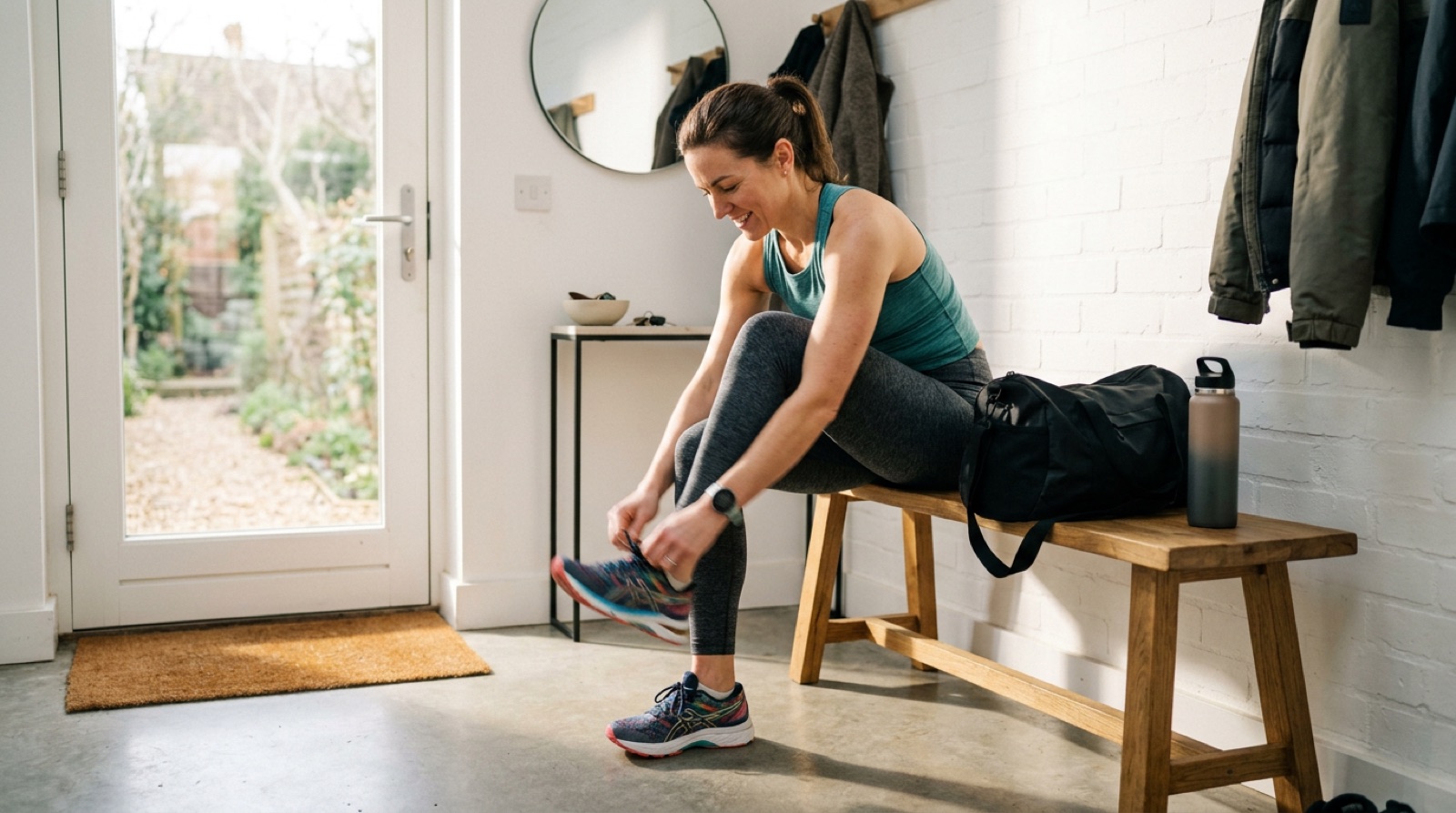
Lacing up running shoes at the front door
100%
ToolsInfoVersions

TOOLS

Adjust the active version

Tweaks are non-destructive — the original isn’t changed. Save as new asset to keep them.

CROP FREE

Pick a destination — we lock the crop to that format.

EmailIGFBLinkedInTikTokYouTubeXPin
Hero 2:1Tall hero 4:5Banner 3:1Square thumb 1:1
✓ ApplyClearCopy

GEOMETRY

POLISH

⟲ Reset all

✓ SavedSave as new asset

A crop is not a JSON operation.

Every destination wants its own frame: square for the feed, tall for stories, wide for the landing page hero. Getting a face or a product inside all of them is the clearest case on this whole site of a task an API genuinely cannot do, because dragging a crop handle is not a JSON operation.

So you drag it once, in the studio, and every per-destination variant follows. The corrected URLs land back on the creation object, and your agent carries on exactly where it left off.

Same page as the marketer twin. Deliberately.

If you have read the marketer version of this page, you have read this one. The spine is the same because the product is: generate in the studio, refine in the studio, crop per destination in the studio. The only difference is where you were standing when an image needed fixing.

Forcing a bigger difference would mean inventing tools that do not exist, and a developer reading this page would go and call them. We would rather you found the table empty and the studio good.

Fix it where you can see it.