GenieOS · Social posts

One brief. Every network. Still you.

GenieOS thinks in angles before it writes a word, then turns the one you choose into native variants for LinkedIn, X, Instagram and Facebook — image, caption and crops included.

Swipe horizontally to explore the full editor on smaller screens.
Your health data finally has a homeFueld

Create social posts that highlight the new Directory release for Fueld.

I’ve sketched a few angles for the social post. Pick the one that fits and I’ll write it up with an image — you can fine-tune it after.

Your health data finally has a home: Target people who track across a handful of apps but can never see the whole picture. This angle leads with relief — one connected place where sleep, food, movement and bloods finally sit together.

Stop doing the maths on your own health: Speak to data-led self-trackers with Whoop, Oura and private blood panels who have the numbers but none of the context. The angle is about connection — the Directory joins the dots automatically.

What your last six months were actually telling you: A curiosity-led angle for people who log and then forget. Frame the Directory as a reveal moment — the story your scattered data has been trying to tell all along.

Social draft and image prepared.

Your social post is ready to review and refine.

Social post· DRAFT

Add another instruction…

⏎ to send

Step 01

It thinks in angles first.

Ask for a post and you don’t get one take — you get three distinct angles, each a different way into the story: the proof-led version, the playful one, the straight announcement. You pick the one that sounds like you today, and the post is written from there.

Choosing an angle before any copy exists keeps you editorial rather than corrective. You’re steering the idea, not rewriting a paragraph that missed the point — which is why the finished post needs so little editing by the time you see it.
Step 02

Four networks, one voice.

From the chosen angle, GenieOS writes the post natively for each network — a sharper, shorter cut for X, a fuller story for LinkedIn, caption-first for Instagram, link-led for Facebook. The generated image is shared across all four and saved to your asset library for reuse.

Most schedulers paste the same text everywhere and hope. This is the opposite: each variant respects its network’s rhythm while the voice, the visual and the message stay unmistakably one brand. Hashtags are unified across the set, so the campaign reads as one campaign.

Swipe horizontally to explore the full editor on smaller screens.

The Directory launch becomes a build in public moment: transparent, personal, and credible with people who already track their numbers.

Create these posts · ~4 cr

GENERATED IMAGE

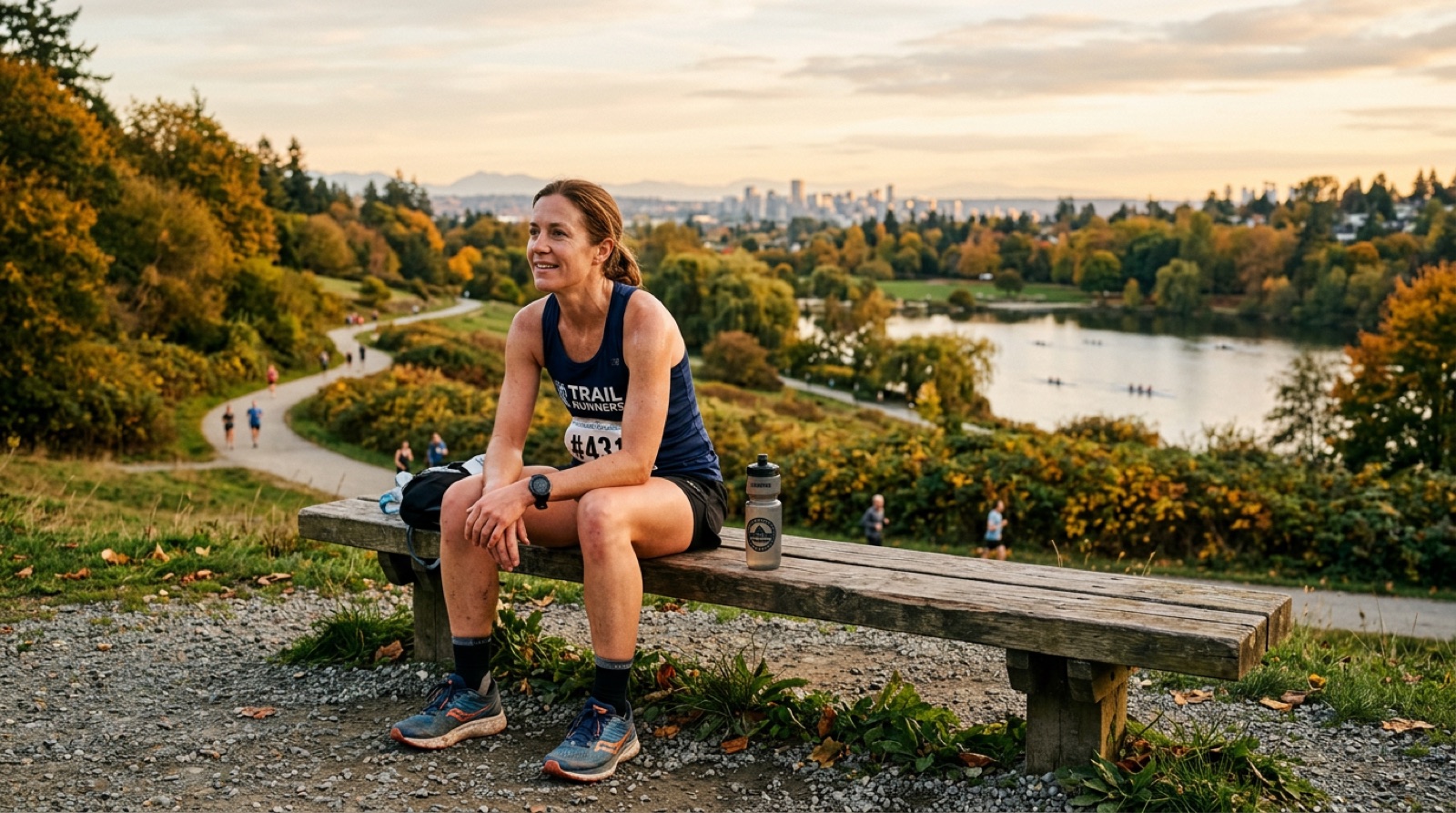
Generated launch image: a Fueld member resting after a run
one-home-for-every-source-fueld-dir…Saved to assets

Try: "Add a question at the end"

Add context

↵ to send · ⇧↵ for new line

Library
Directory launch
History24 variants
Post
Unified post content

Fueld· 1st

Health data, in one place

5,284 followers · 2h

+ Follow

Your health data lives in six different apps that never talk to each other. Today that changes.

The Fueld Directory brings every source, wearable, lab result and GP record into one structured view. Connected, in context, and ready when you need it.

The beta is open to a first group of members, and you are on the list.

#healthdata #wearables #fueldbeta

A Fueld member resting after a run with the city skyline behind her
Crop imageSave as new asset
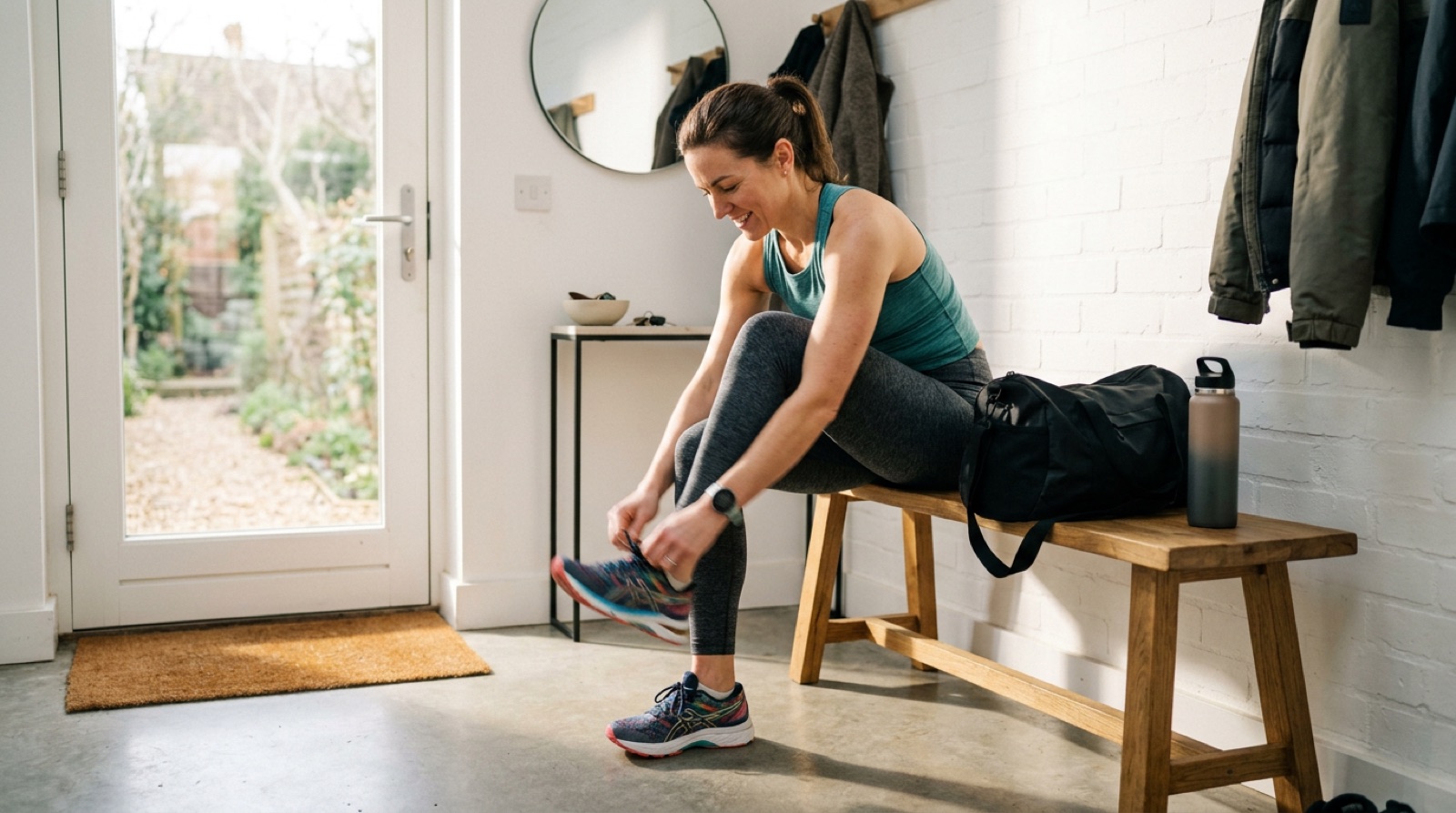
Lacing up running shoes at the front door
100%
ToolsCropOriginal

TOOLS

Crop to a destination

Tweaks are non-destructive — the original isn’t changed. Save as new asset to keep them.

CROP FREE

Pick a destination — we lock the crop to that format.

EmailIGFBLinkedInTikTokYouTubeXPin
Hero 2:1Tall hero 4:5Banner 3:1Square thumb 1:1
✓ ApplyClearCopy

GEOMETRY

POLISH

⟲ Reset all

✓ SavedSave as new asset

Step 03

Crops that respect the frame.

Every destination gets its own crop — square for the feed, portrait for stories, landscape for the link card — snapped from the same master image in the crop editor. Nothing is stretched, and nothing has its subject sliced off at the edge.

Crops are non-destructive: the original stays in your library untouched, and each destination remembers its own framing for the next export. It’s the unglamorous detail that quietly keeps your feed looking deliberate rather than resized.

Capabilities

Everything a posting week needs.

  • 01

    Native variants per network

    LinkedIn, X, Instagram and Facebook each get copy written for how that feed actually reads.

  • 02

    Unified hashtags

    One hashtag set across the campaign, applied consistently to every variant.

  • 03

    Captions edited in place

    Tweak any variant’s caption directly — the others keep their own wording.

  • 04

    Generated imagery

    The post’s image is created with the brief and saved to your asset library for reuse.

  • 05

    Per-destination crops

    Square, portrait and landscape framings snapped from one master, each remembered.

  • 06

    Angles on demand

    Ask for three more angles whenever the first set doesn’t sing — it’s a conversation.

Start free with Spark

One brief from being everywhere.

Start free with Spark

Create your Spark account now. No invitation or card required. Spark gives you access to every feature; paid actions use credits. Add credit when you need it.

Start with Spark
  • Create coordinated emails, social posts and landing pages.
  • Keep your brand, copy and imagery together in one workspace.
  • Edit the details and review your campaign before launch.